
A Pro Checklist: 7 Ways to Avoid Last-Minute AV Issues
Picture this:
Your event is about to start, and everything is in place—except for one critical thing: The audio suddenly goes out, or the lighting is too dim, or worse, the live stream fails right as the keynote speaker begins.
Last-minute AV issues can derail even the best-planned events, leaving audiences frustrated and damaging your brand’s reputation.
Fortunately, many of these problems can be avoided with the right preparation and a reliable event production team.
Here are our top tips to help ensure a smooth, seamless AV experience for your event.
1. Work with Experienced AV Professionals
One of the most effective ways to avoid last-minute AV issues is to hire a professional team with extensive experience in managing event technology. A skilled AV team brings not only the right equipment but also the technical know-how to prevent issues before they arise and troubleshoot them quickly when every second counts. Read more about why working with experienced AV professionals is essential for event success.
Plato Media Co. is dedicated to providing high-quality AV solutions for corporate events of all sizes, ensuring that each client’s unique needs are met with professionalism and precision.
2. Conduct a Detailed Site Visit
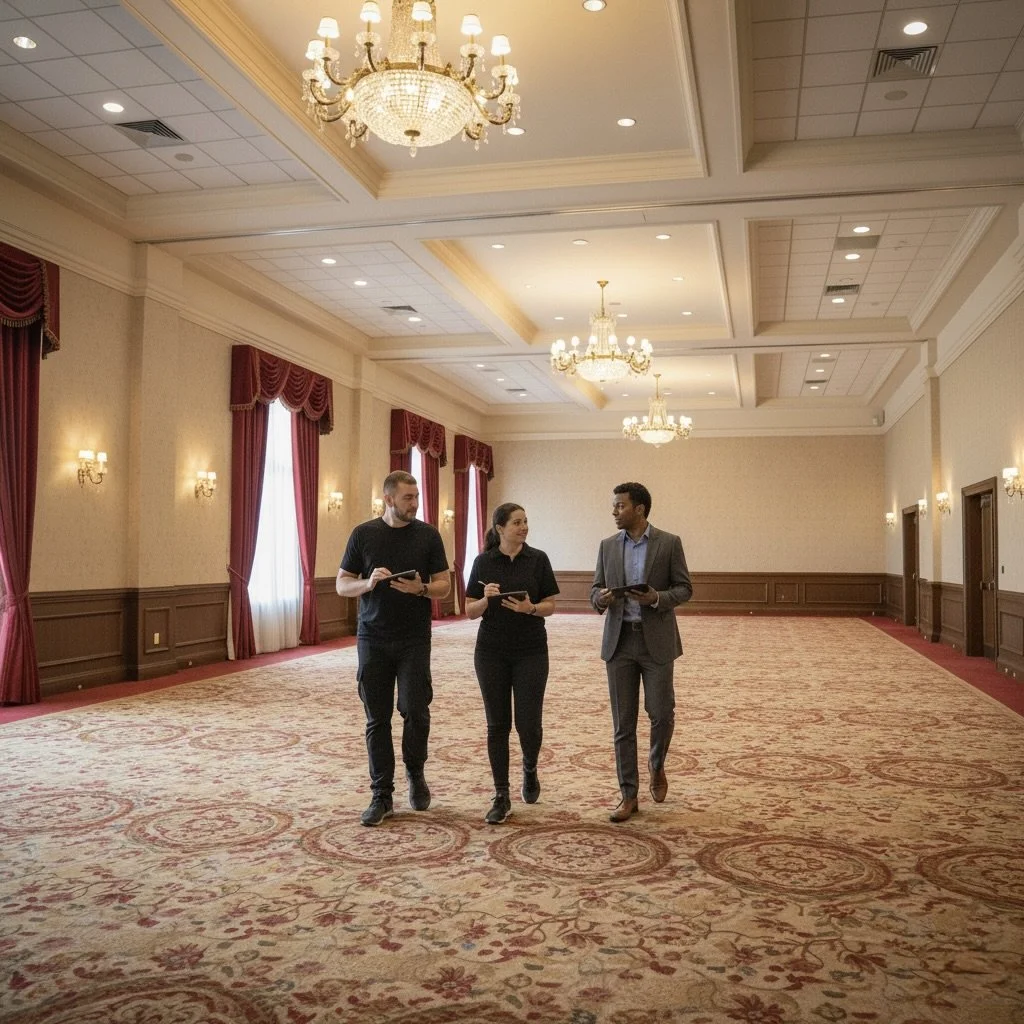
A site visit allows the AV team to assess the venue layout, electrical and rigging requirements, and any potential obstacles before the event day. This helps identify specific needs, such as power sources, room acoustics, and lighting requirements, well in advance.
During the visit, make sure to:
Confirm the power capacity of the venue.
Check lighting options, including brightness control.
Determine the best placement for screens, projectors, and speakers.
By conducting a site visit, Plato Media Co. ensures that all technical elements are accounted for, reducing the risk of unexpected issues. Learn more about how a site visit ensures a flawless event production.
3. Choose Reliable Equipment and Plan for Redundancy
Using high-quality, reliable equipment is critical to minimizing AV issues. Subpar equipment or older technology increases the risk of malfunctions, so work with a company that invests in up-to-date AV technology. Additionally, plan for redundancy. For example, an experienced AV team will have a backup feed for pivoting to a second video feed if the first one goes down.
4. Schedule a Tech Rehearsal
Ideally, have a full tech rehearsal, which allows you and your AV team to test every piece of equipment under event conditions. This run-through is essential, as it often reveals potential problems that weren’t apparent during setup. For instance, a microphone might need to be adjusted for different speakers who are naturally loud or soft-spoken.
Key Areas to Test in a Rehearsal:
Microphones and Audio Levels: Ensure that the sound is balanced and free of feedback.
Lighting: Confirm that lighting enhances the presentation without causing glare.
Visuals: Test projectors, screens, and any visuals to ensure clarity, alignment, and correct formatting of content.
A thorough rehearsal ensures your team and speakers are prepared, while also allowing the AV crew to adjust settings for optimal performance. See our full breakdown of why a tech rehearsal benefits your event (and your peace of mind).
5. Plan for On-Site Technical Support, especially for Breakouts
Even with extensive preparation, having on-site support is crucial for resolving any issues that may arise during the event.
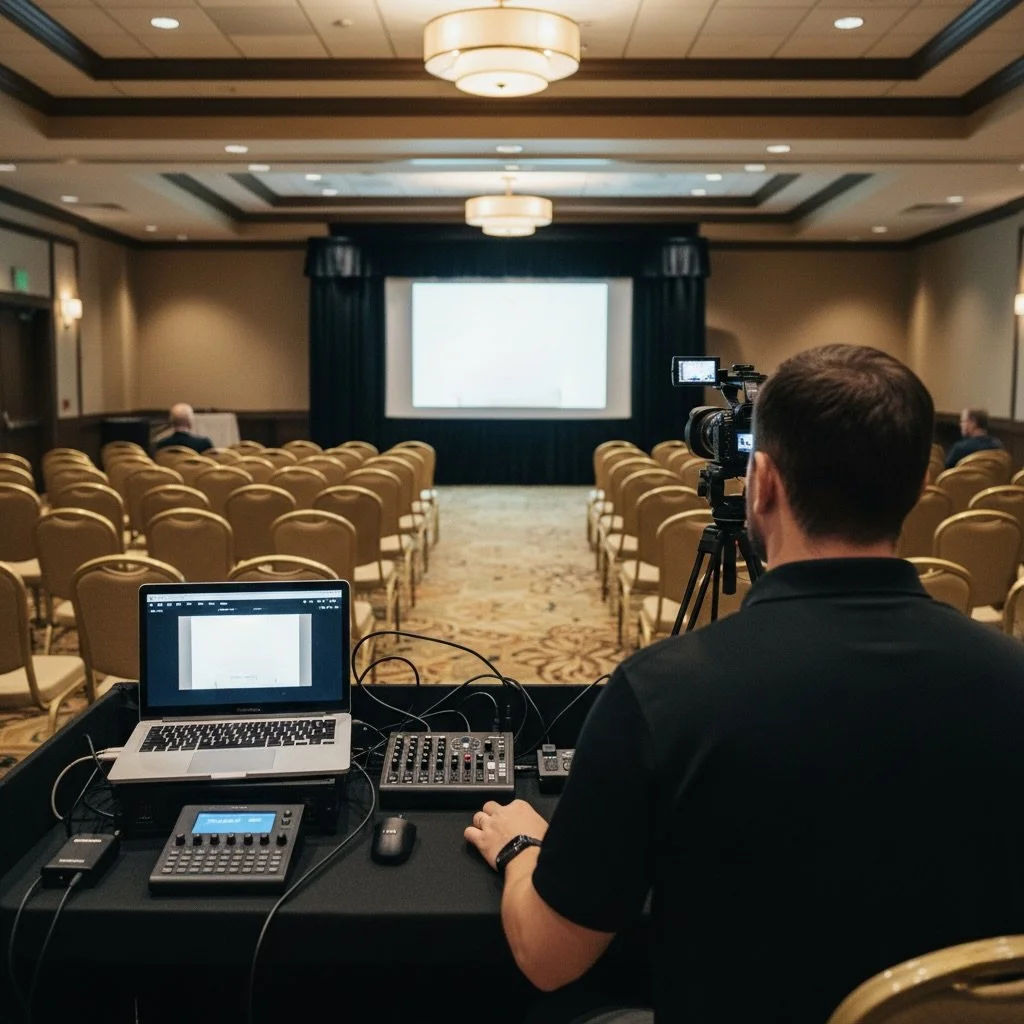
A skilled AV team will monitor sound, lighting, and video throughout the event and handle any adjustments as needed. Budgeting for breakout room coverage is also helpful for a smooth event.
Plato Media Co. provides expert on-site support, allowing you to focus on the event while we ensure all technical elements run smoothly.
6. Communicate Your Event Timeline and Needs Clearly
Clear communication is often overlooked but is vital to avoiding last-minute issues.
Provide your AV team with a detailed event schedule, including presentation times, speaker needs, and any special cues or transitions as early as possible in the planning process.
For example:
Speaker Needs: Let the AV team know if speakers require remote clickers, specific lighting, or additional audio support.
Transitions: Inform the team about breaks, video playtimes, and any special visual elements.
The more your AV team understands your event’s flow, the better prepared they’ll be to provide seamless transitions and anticipate needs.
7. Ensure Internet and Power Stability for Live Streaming
If your event includes a live-streaming component, a stable internet connection and adequate power supply are essential. Work with your AV team to secure a dedicated internet line, if possible, to prevent bandwidth issues that could interrupt the stream. The same applies to power uninterruptible power supplies (UPS) can protect against power disruptions.
Mini-Checklist for Live Streaming:
Confirm a dedicated, high-speed internet line.
Use backup power sources to prevent interruptions.
Test streaming quality with a dry run.
Final Thoughts: Achieving AV Success Through Preparation
Avoiding last-minute AV issues requires more than just quality equipment—it involves planning, communication, and hands-on technical support. By working with a professional AV team, conducting a site visit, running a full rehearsal, and ensuring on-site support, you can set your event up for success and give your audience a memorable experience.
At Plato Media Co., we bring expertise, reliability, and a client-focused approach to each event. Contact us today to learn how our AV solutions can elevate your next corporate event.
